
Help
Using QuizByt as a student
From creating an account to reading a lesson, taking the quiz and printing the worksheet.
Create an account
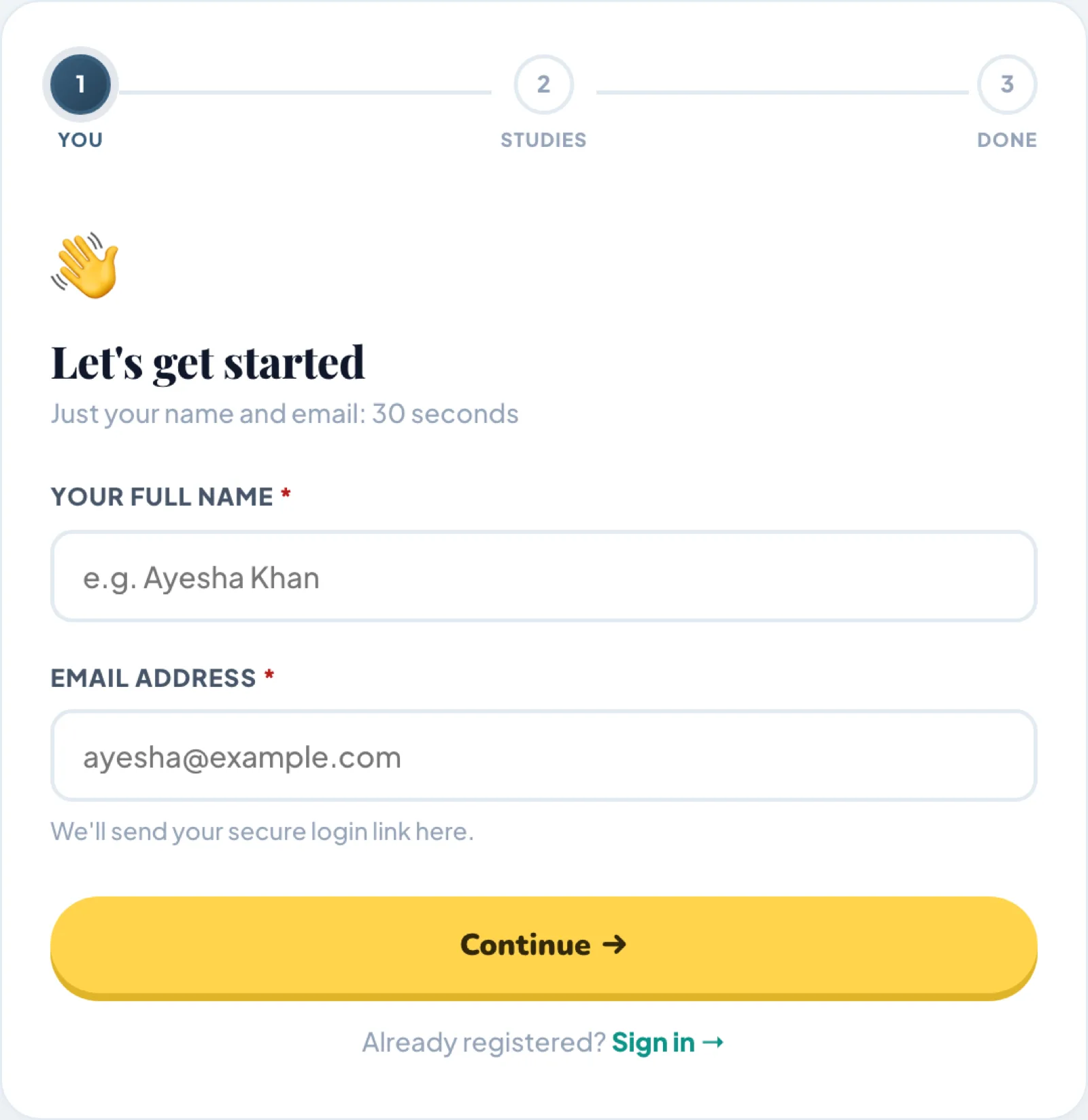
Go to Create an account. It is three short screens:
- Your name and your email address. There is no password to choose.
- Your country, your class, and the subjects you want. Kindergarten has no subjects to pick.
- A review of what you chose, then submit.
We email you a one-click sign-in link. Open it before anything else: until the address is confirmed, the site keeps sending you back to the confirmation page.
You get 10 credits for signing up.
A new account starts on the free tier, not the trial. The 14-day free trial is a separate button on the pricing page, it opens everything, needs no card, and can be taken once. Nothing is charged when it ends and nothing is deleted.
Sign in and find your way around
Sign in at the login page. Where you land depends on what kind of account it is:
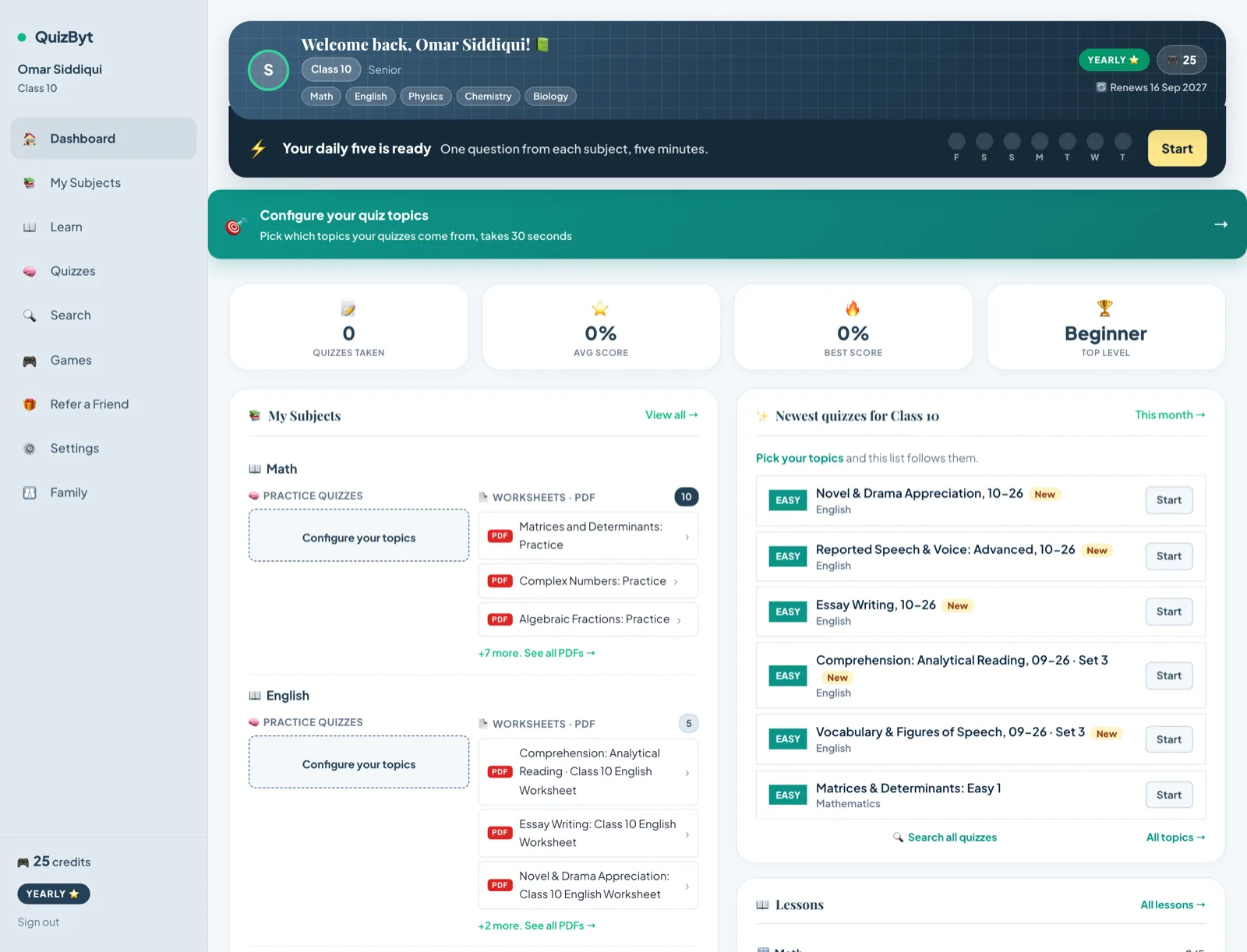
- A student goes to /dashboard.
- A school administrator goes to /school/dashboard.
- A teacher at a school goes to /teacher/dashboard.
- An independent teacher goes to /teacher-hub/dashboard.
The student dashboard is the home for everything else: your subjects, what you have finished, your credit balance and whatever is due next.
Read a lesson
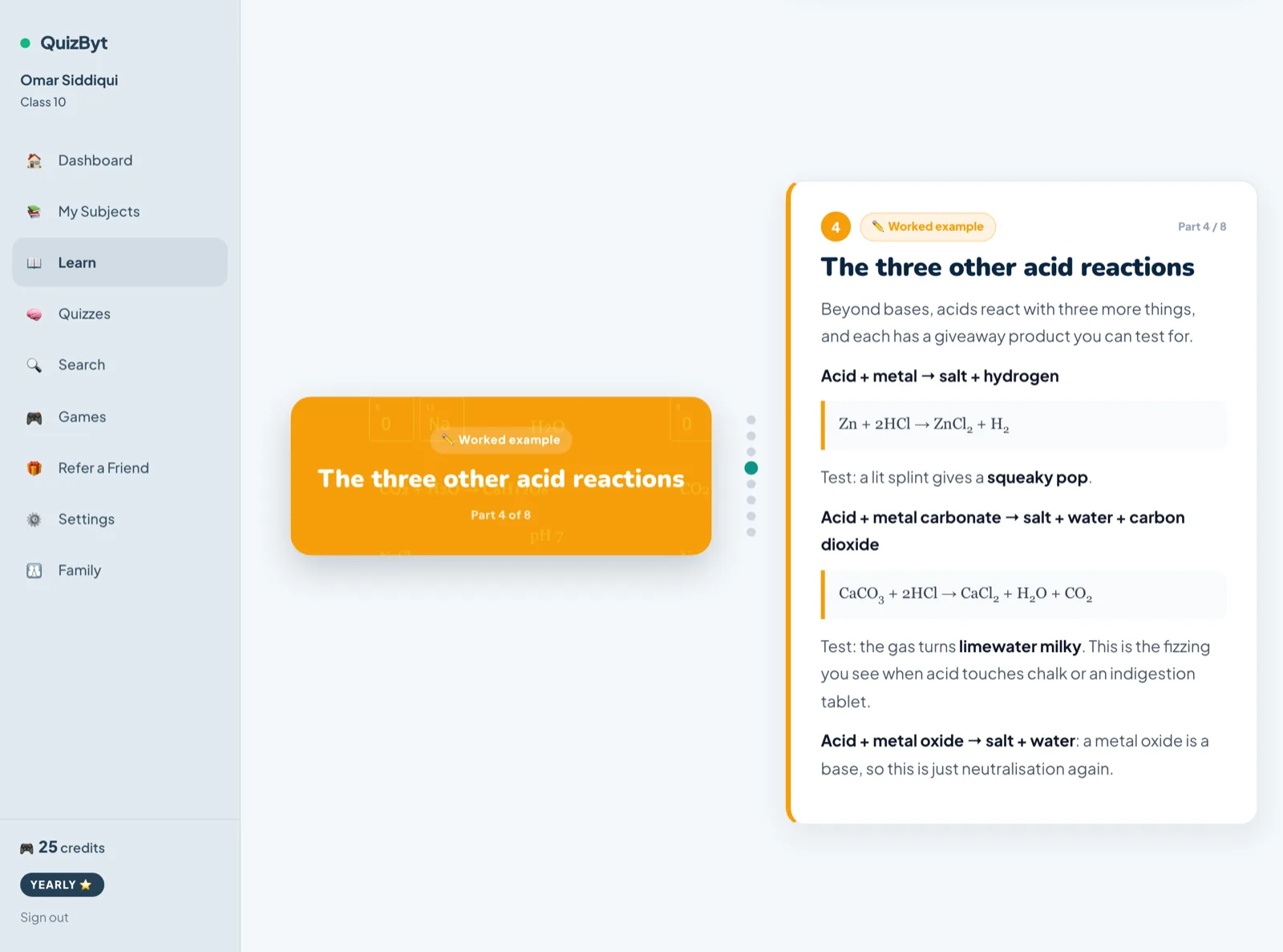
Open Lessons by subject, pick a subject, then a topic. There are 396 lessons covering 392 topics, built from 3,257 parts.
- A lesson advances one part at a time as you scroll. Each part is one idea, with a diagram or a worked example beside it.
- Some lessons have a Listen button that reads the part aloud. 83 of the 396 have this today and more are being recorded.
- At the end there is an I have read this button. Pressing it is what tells your teacher and your parents' report that the topic is done. Your reading is counted either way, but the button is what the dashboard goes by.
71 lessons are free and stay free on every plan, including the free tier. They are marked on the subject pages. Without an account you can still read one sample lesson in each subject.
Take the quiz
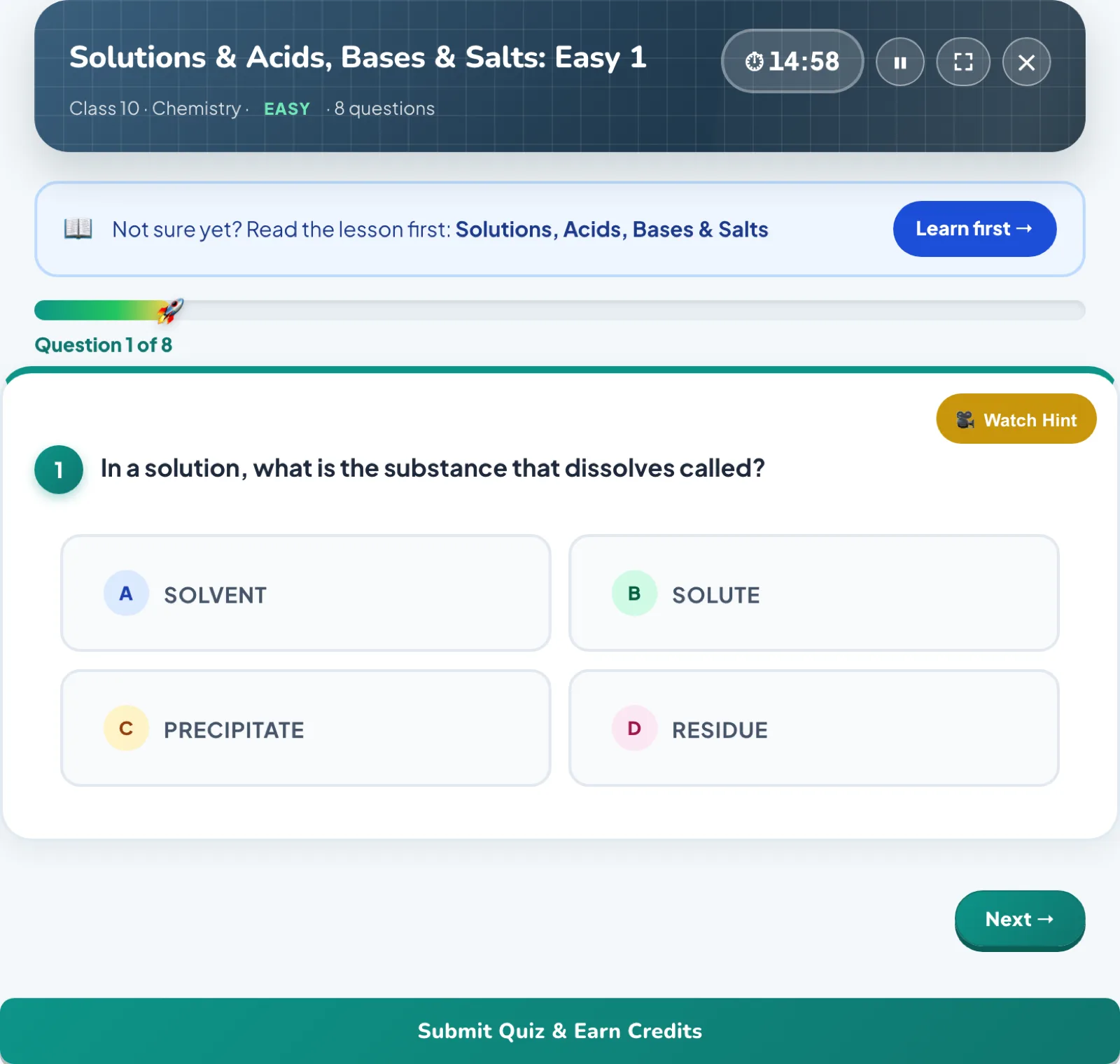
Every topic has quizzes at three levels: Easy, Medium and Skilled. Across the catalogue that is 2,832 quizzes holding 17,977 questions.
- Answers are not shown while you are answering. The whole paper is marked the moment you finish.
- The result screen shows every question, what you chose, the right answer and the reason it is right. On a paid plan you see the full wording; on the trial you see the letters.
- Score under 80% on your first attempt and the answers are held back until you try again. Revise the lesson first, which is the point.
- Score 50% or better and you earn 5 credits.
- You can retake a quiz as often as you like. What limits you is the monthly quiz allowance for your plan, and a quiz you have already played never costs a second slot. Students at a school are the exception: their school sets the number of attempts.
Print a worksheet
Topics also come with a printable PDF, for handwriting, working out and exam practice away from a screen. Open a subject from the subject browser and look for the worksheet on the topic.
How many you can open depends on the plan:
- Free: 1 worksheet and 3 quizzes, in one subject.
- Trial: 3 worksheets and 3 quizzes per subject, up to three subjects.
- Monthly: 15 worksheets and 20 quizzes per subject each month.
- Yearly: 20 worksheets and 30 quizzes per subject each month.
Worksheets are watermarked on the free tier and during the trial. They print clean once you subscribe.
See how it is going
The dashboard keeps per-subject averages, every quiz you have taken with its score, and which topics are weak.
A parent can also switch on an email report in parental controls, behind a PIN a child cannot change. That sends a short note each Sunday and a full report on the last day of the month, broken down by subject and by topic, with how far through each lesson was actually read. It is off until somebody turns it on.