
Screen Time That Teaches: Turning the Gadget Into the Classroom
Not all screen time is the same. Twenty minutes of a lesson that talks back is not twenty minutes of videos autoplaying. A practical guide to the difference, and how to tip the balance at home.
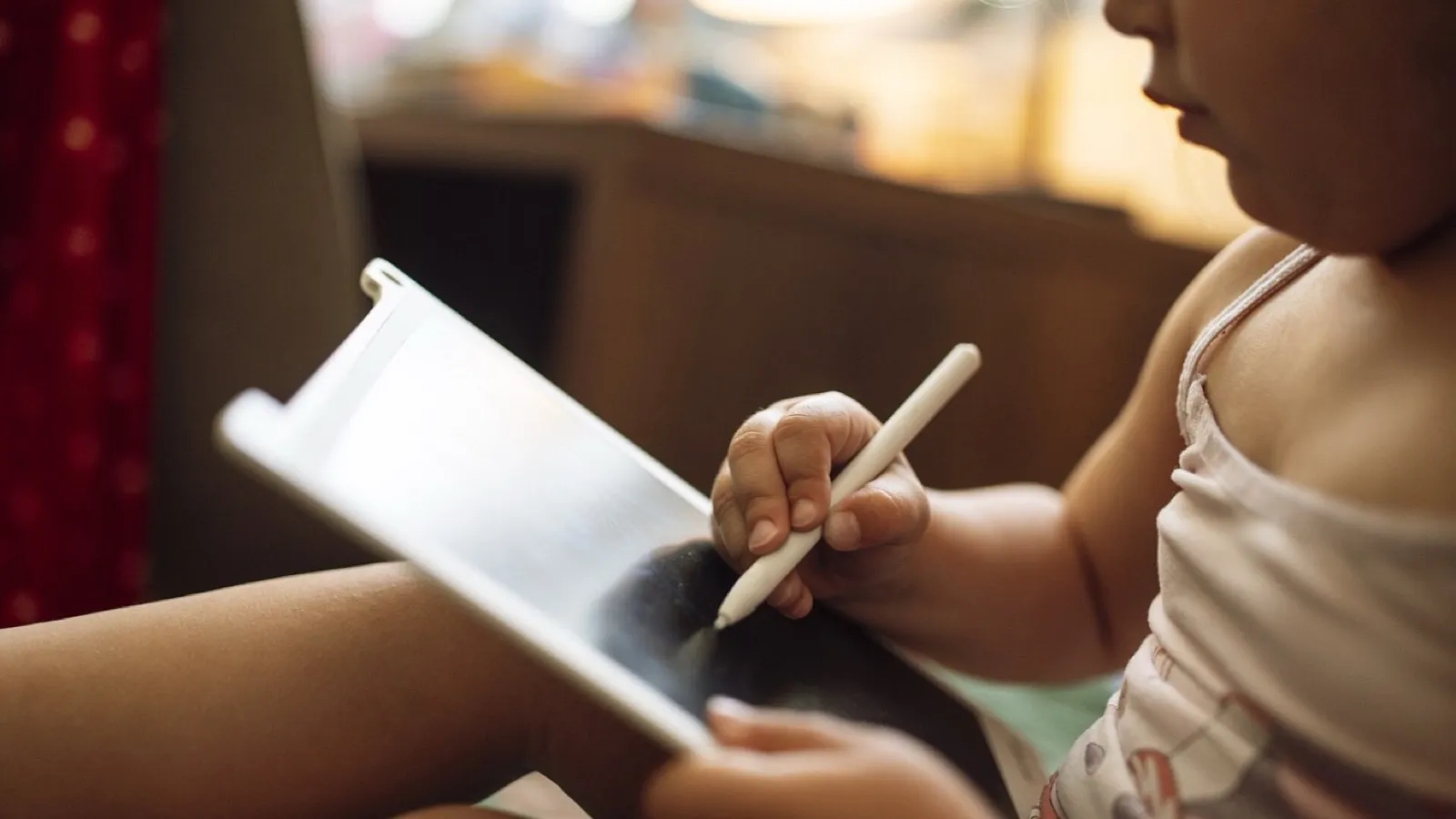
"Screen time" is a useless phrase. It puts a child answering maths questions aloud in the same box as a child watching a stranger open toys on autoplay. The device is the same; what the brain is doing could not be more different.
Passive versus active
The test is simple: does the screen wait for the child?
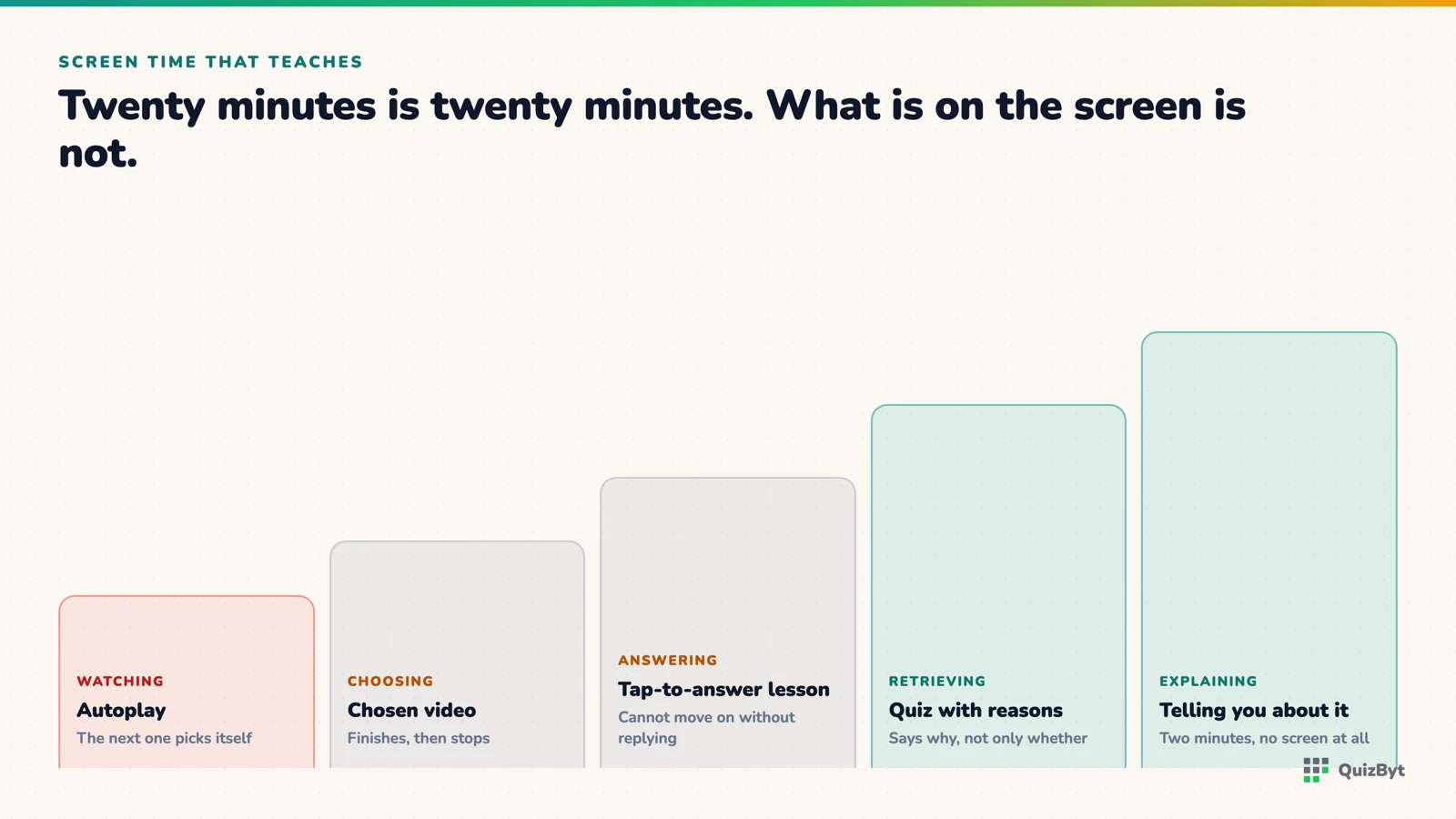
- Passive, the screen keeps going whether the child does anything or not. Video feeds, autoplay, endless scroll. The child's job is to keep watching. This is the screen time the research warns about: it displaces sleep, play and conversation, and it trains attention to expect a new stimulus every few seconds.
- Active, nothing happens until the child does something. A question to answer, a lesson that advances when they tap, a puzzle that waits. The child is thinking; the screen is the paper. This kind of use looks nothing like the harmful kind in the studies, because it isn't.
Three questions to ask about any app
- Who is in charge of the pace? If the child can pause, replay and go back, good. If the app decides what comes next and when, be careful.
- Is there a right answer? Learning tools ask questions and respond to the answer. Entertainment feeds don't.
- Does it end? A lesson has five scenes and a quiz has five questions. A feed has no bottom. Anything without a natural stopping point will need you to be the stopping point, every time.
A plan that works in a real house
- Active first, passive second. Study screen before entertainment screen, every day, no exceptions. Ten minutes of lessons and a quiz earns the cartoon.
- Same device, different mode. You do not need a second tablet. A learning platform bookmarked on the home screen, opened first, is enough.
- Let the tool do the rewarding. If passing a quiz unlocks a brain game inside the same platform, the "reward" is still active screen time, and you are not the one policing it.
- Print something every week. A worksheet on paper is the antidote to everything glowing. Mark it together.
What we built QuizByt to be
Every part of it waits for the child: lessons that advance one scene at a time, quizzes that need an answer, games with a goal and an end. Nothing autoplays, there is no feed, and the games are locked behind learning, see the games. The device stays; its job changes.
Responses
Sign in to join the conversation. Responses are open to people with a QuizByt account, which is how we keep this a place you would let your child read.
Loading responses…
Lessons that talk, quizzes that mark themselves, games that make kids think
QuizByt is matched to your child's class. Classes 1–10 and Cambridge O Level. Every subject opens with a free lesson, quiz and worksheet, no account needed.
 Read-Aloud Quizzes: Why Listening Beats Reading for Early LearnersA quiz a Class 1 child has to read is really two tests at once. A quiz that reads itself aloud tests the one thing you care about: does the child know the answer?Read the article →
 "No Phone Until Fifteen": The Case For and Against a Total BanSome parents keep devices away from children entirely. They have good reasons, and they are missing something. An honest look at both sides, and a middle path that keeps the benefits of each.Read the article →
 What a Falling Quiz Score Is Actually Telling YouA score is a measurement, not a verdict. Read properly, a bad one is the most useful thing that happened all week, and there are only about four things it can mean.Read the article →