
One Teacher, Every Class: Assignments and Results in One Place
Set work for one student, a group or a whole class, and see who did it and how they scored, without three spreadsheets and a WhatsApp group.
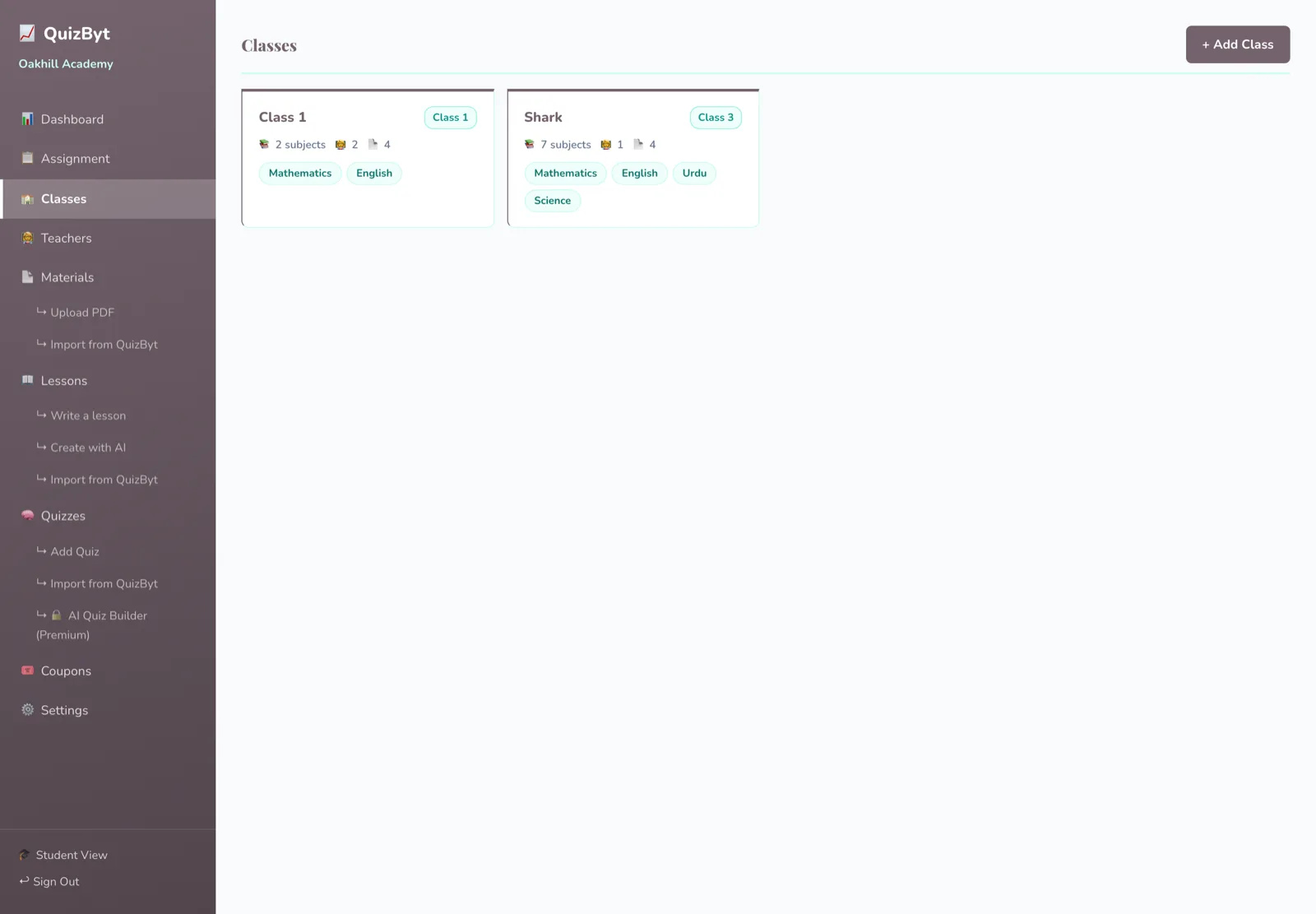
The short version
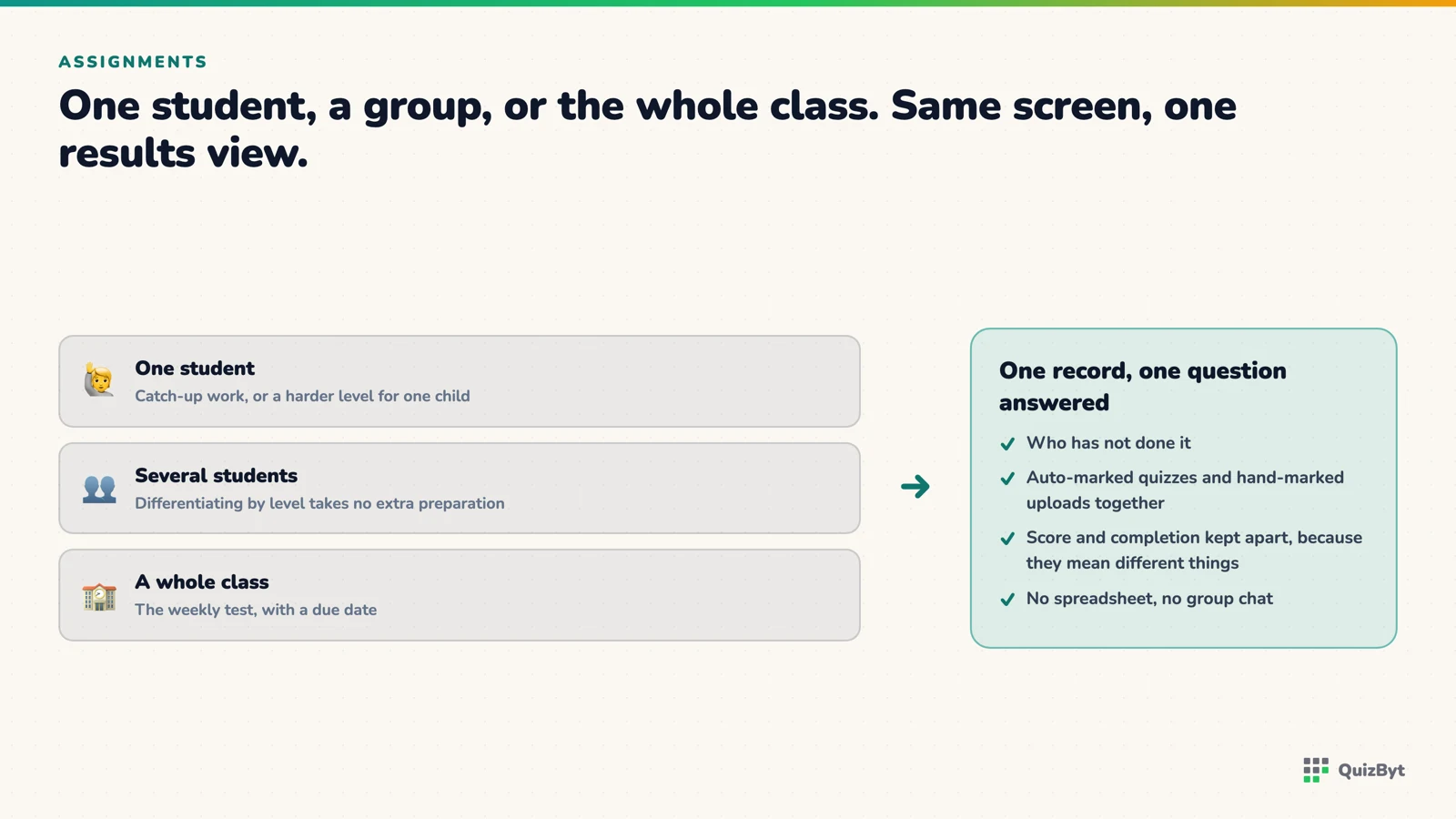
- Assignments can target one student, several, or an entire class from the same screen.
- Auto-marked quizzes and hand-marked uploaded work live in the same assignment record, so one place holds the whole picture.
- A due date plus a completion view answers the question teachers actually ask: who has not done it?
- Differentiating by assigning different difficulty levels to different students takes no extra preparation.
The administrative reality of teaching is not setting work. It is knowing who has done it, who has not, how they scored, and which topic the class as a whole got wrong, usually reconstructed from a register, a mark book, a folder of PDFs and a message group.
One assignment record, both kinds of work
An assignment on QuizByt carries a title, a note, a due date, a class, a status and (where relevant) a score and a maximum score. The consequence is that two things which normally live in different systems live in one:
- Auto-marked quizzes. Multiple-choice, marked the moment the student finishes, with the correct answers and reasons shown according to the class's retry settings.
- Work the student uploads. A scanned worksheet, a written answer, a photographed page, which the teacher opens and marks by hand against a maximum they set.
That second one matters more than it sounds. Most platforms handle the auto-marked half and leave the handwritten half in a drawer, which means the record is never complete. Written work is still most of what a student produces for an exam, so it belongs in the same place. There is more on that in PDF assignments teachers still mark by hand.
One student, some students, or everyone
Assignments target whoever you choose. In practice this is how differentiation stops being extra work:
- The whole class gets the medium-difficulty quiz on this week's topic.
- Four students who have been struggling get the easy level on the same topic.
- Three who are ahead get the skilled level, or the next topic.
Same preparation, three levels, no separate groups to manage.
The question teachers actually ask
Not "what was the class average", that is for reports. During the week the question is who has not done it, and a status per student answers it directly instead of requiring you to work it out from who has submitted.
The class average is still worth reading afterwards, and worth reading per topic rather than per subject. A class that averages 70% in Science while averaging 30% on one topic has told you exactly what Monday's lesson is.
Where the content comes from
Import a quiz from the QuizByt library, write your own, or draft one with the AI builder and approve it. All three end up in the same school question bank and can be assigned identically. See building a question bank.
Related: student reports built from real work.
Questions parents ask
Can I assign different work to different students in the same class?
Yes. Assignments can go to a single student, a selection, or the whole class, so setting an easier or harder level for particular students needs no separate class.
Do I have to mark quizzes myself?
Not for multiple-choice quizzes. Those mark instantly. Work that a student uploads is marked by you, with a score out of a maximum you set.
Can I see who has not started an assignment?
Yes. Each assignment carries a status per student, so the unstarted list is directly visible rather than inferred from who has submitted.
What happens when a student is in more than one class?
Assignments follow the class they were set in, so a student in two classes sees both sets of work without the classes interfering with each other.
Responses
Sign in to join the conversation. Responses are open to people with a QuizByt account, which is how we keep this a place you would let your child read.
Loading responses…
Lessons that talk, quizzes that mark themselves, games that make kids think
QuizByt is matched to your child's class. Classes 1–10 and Cambridge O Level. Every subject opens with a free lesson, quiz and worksheet, no account needed.
 PDF Assignments Your Teachers Still Mark by HandNot everything should be auto-marked. Written method, working out and long answers need a human, and they should not have to live outside the system to get one.Read the article →
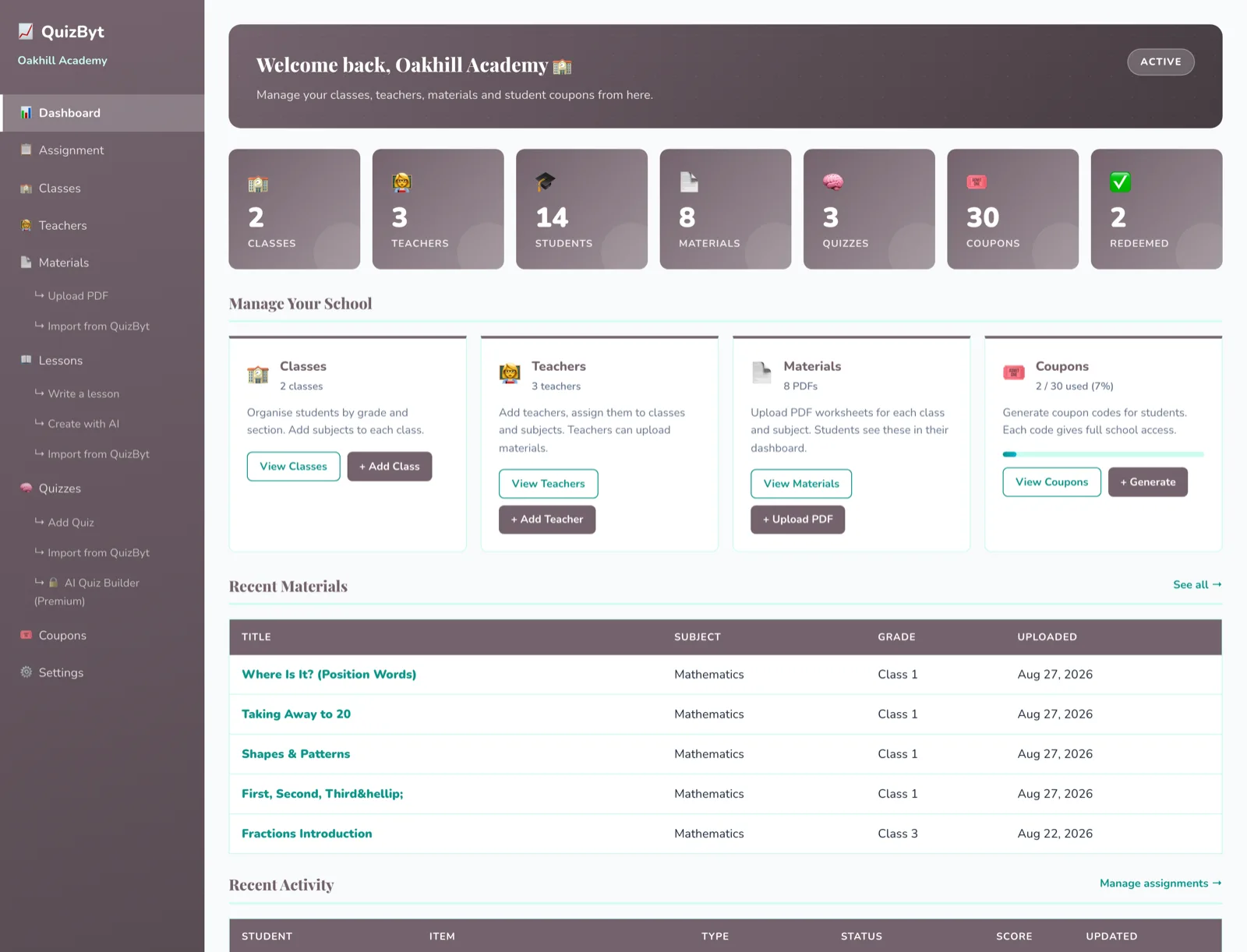 Set Up a Whole School in a DayClasses, teachers, students, materials and the first assignments, the realistic order to do it in, and the two steps that actually take the time.Read the article →
 AI Gives Answers. Who Trains the Mind? A Parent's Duty in the Age of ChatGPTA child can now get any answer in seconds. That is genuinely useful, and it is also the fastest way ever invented to skip the thinking that school is for. What parents and communities must offer instead.Read the article →