
Set Up a Whole School in a Day
Classes, teachers, students, materials and the first assignments, the realistic order to do it in, and the two steps that actually take the time.
The short version
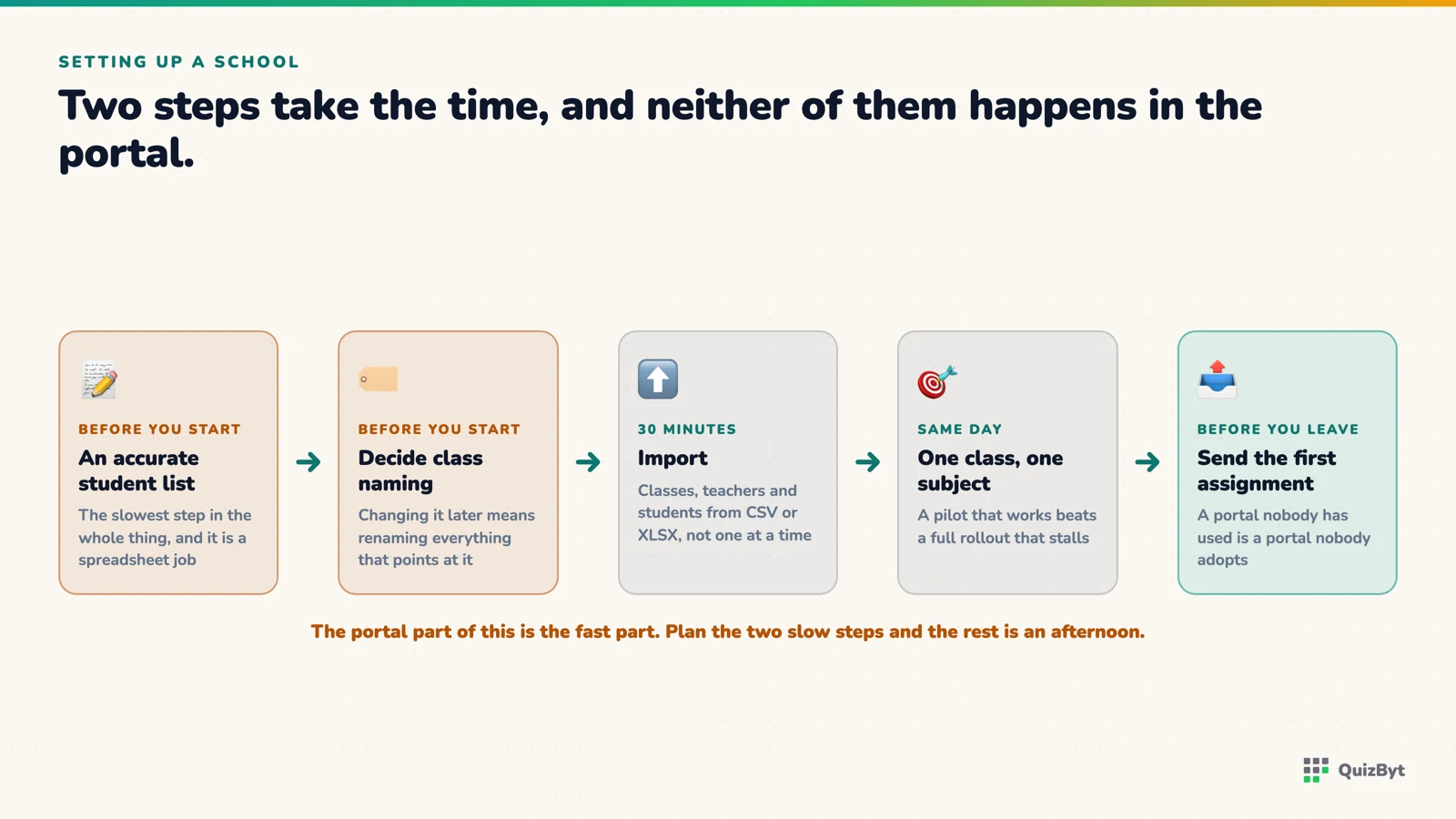
- The two slow steps are gathering an accurate student list and deciding your class naming, so do both before you touch the portal.
- Students can be bulk-imported from CSV or XLSX rather than entered one at a time.
- Start with one class and one subject; a pilot that works beats a full rollout that stalls.
- The first assignment should go out on the same day, because a portal nobody has used is a portal nobody adopts.
Most school software rollouts do not fail at the software. They fail three weeks in, when nobody has logged in since the training session. The way to avoid it is to finish setup and send real work on the same day.
Before you open the portal (the part that actually takes time)
- A clean student list per class: names, and email addresses if they have them. This is the genuine bottleneck; everything else is fast.
- Agreed class names. "Class 7 Blue" or "7-B". Pick one convention and write it down, because renaming later is tedious and confuses everyone in between.
- The subjects each class actually takes.
- One teacher per class who has agreed to be the first user.
Two hours of preparation here saves the day.
Morning: structure
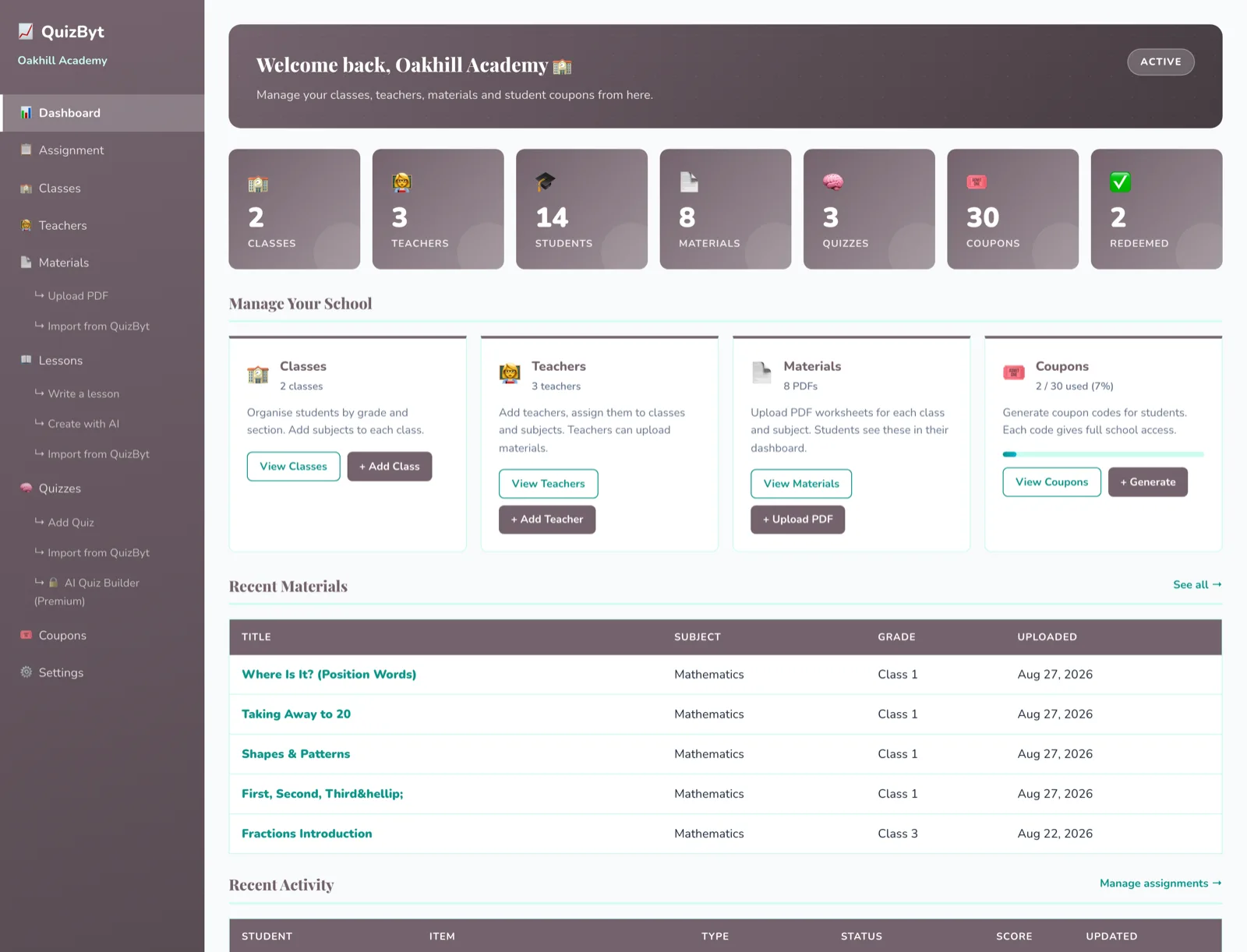
- Register the school at /school/register. This creates the school and makes you its administrator.
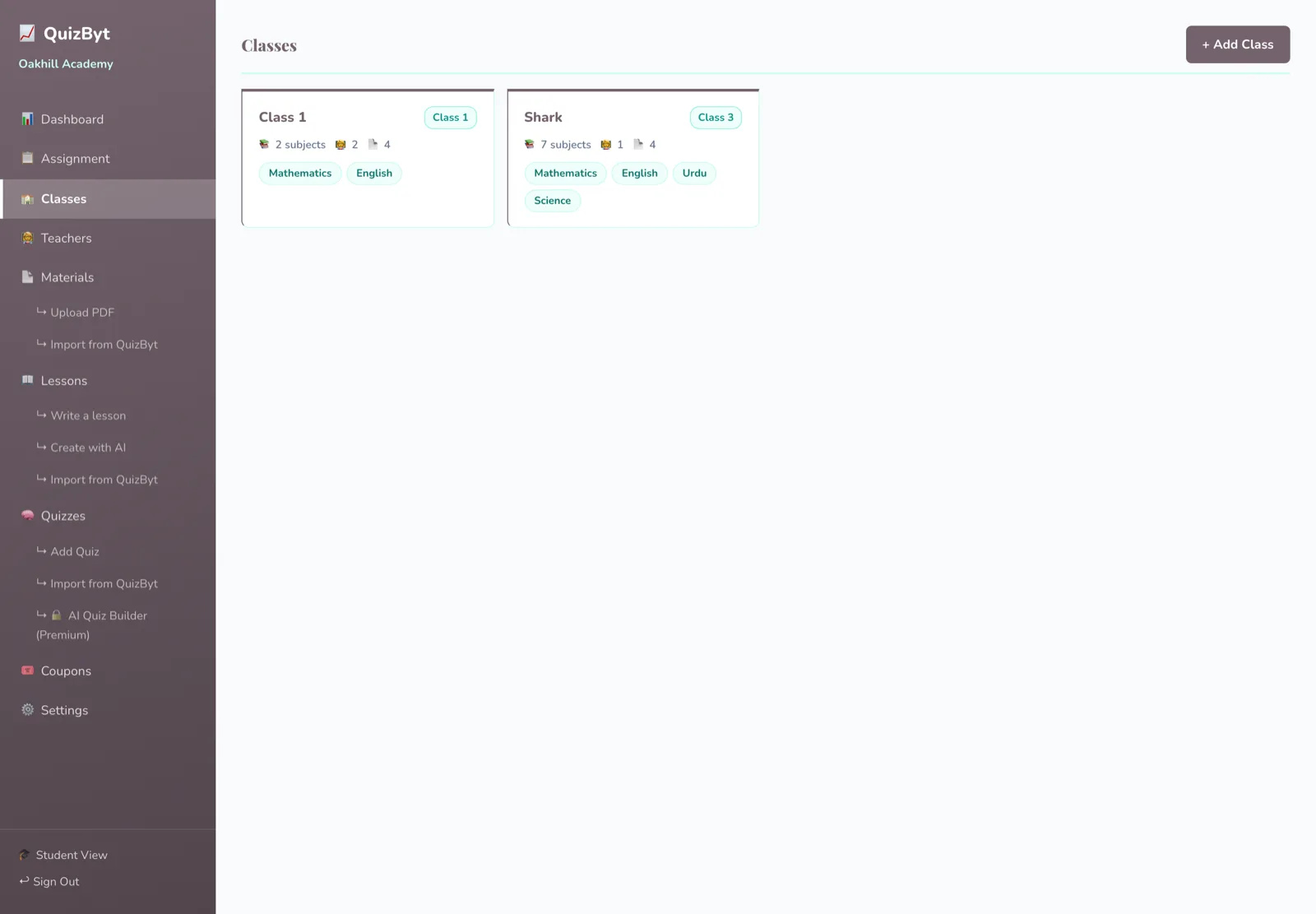
- Create the classes. Use the convention you agreed. Branches are available if you run more than one campus.
- Add the teachers and assign them to classes. A teacher already teaching at another school on the platform cannot be added to a second, that is deliberate, and the portal tells you rather than failing quietly.
- Set class options, including whether quiz retries are allowed and how many attempts.
Midday: students
Two routes, and you can mix them:
- Bulk import a CSV or XLSX per class. This is the right answer for anything above about ten students.
- Coupon codes, generated in batches and handed out, so students register themselves without needing an email address you have to collect first.
Existing platform users can also be searched by email and attached to a class directly.
Afternoon: content and the first assignment
You do not have to author anything to start. Three options, usable together:
- Import from the QuizByt library: search by subject and class and pull a quiz into your school.
- Write your own in the portal.
- Draft with AI in the quiz builder, then edit and approve it yourself. Read why the approving is the part that matters first.
Then assign it (to one student, a group, or the whole class) and set a due date. Upload your own PDFs and notes as materials in the same place.
End of day: send something real
Set one genuine assignment, due in a week, for one class. Not a test of the system, actual work that counts. A portal that has carried real homework once gets used again; a portal that only saw a demo does not.
Questions parents ask
How long does school onboarding really take?
The portal work is a few hours. What takes a day is having a clean student list and agreed class names ready. Schools that prepare those first finish comfortably.
Do students need email addresses?
They can be invited by email, or onboarded with coupon codes generated by the school, which is the usual route where students do not have their own email.
Can we import students in bulk?
Yes, from CSV or XLSX, per class. Entering a class by hand is only worth it for a handful of students.
Should we roll out to the whole school at once?
No. One class, one subject, one teacher who wants it. A working pilot creates internal demand; a stalled whole-school rollout creates the opposite.
Responses
Sign in to join the conversation. Responses are open to people with a QuizByt account, which is how we keep this a place you would let your child read.
Loading responses…
Lessons that talk, quizzes that mark themselves, games that make kids think
QuizByt is matched to your child's class. Classes 1–10 and Cambridge O Level. Every subject opens with a free lesson, quiz and worksheet, no account needed.
 One Teacher, Every Class: Assignments and Results in One PlaceSet work for one student, a group or a whole class, and see who did it and how they scored, without three spreadsheets and a WhatsApp group.Read the article →
 Why Students Scroll, and How to Use It Instead of Fighting ItThe habit schools complain about is a trained skill: rapid evaluation, self-pacing, and instant abandonment of anything that does not earn attention. Learning material can meet that standard.Read the article →
 AI Gives Answers. Who Trains the Mind? A Parent's Duty in the Age of ChatGPTA child can now get any answer in seconds. That is genuinely useful, and it is also the fastest way ever invented to skip the thinking that school is for. What parents and communities must offer instead.Read the article →