
The Community's Job: Raising Digital Learners Together
A child's relationship with screens is shaped by parents, teachers, schools and friends, not by one rule at one kitchen table. What each of them can do, and how a shared platform makes it easier.

Ask a parent why their child is on a phone for four hours a day and they will often say: because every other child is. They are right, and it points at the real answer. No single household can set a child's digital habits against the tide. The habits are set by the whole community, and the community can set them differently.
What parents can do
- Put active use before passive use, every day. The order matters more than the total.
- Be visibly interested in what the child did, not only how long. "Show me" beats "that's enough".
- Keep one thing on paper each week. Marking a printed worksheet together is ten minutes of undivided attention that a screen cannot replace.
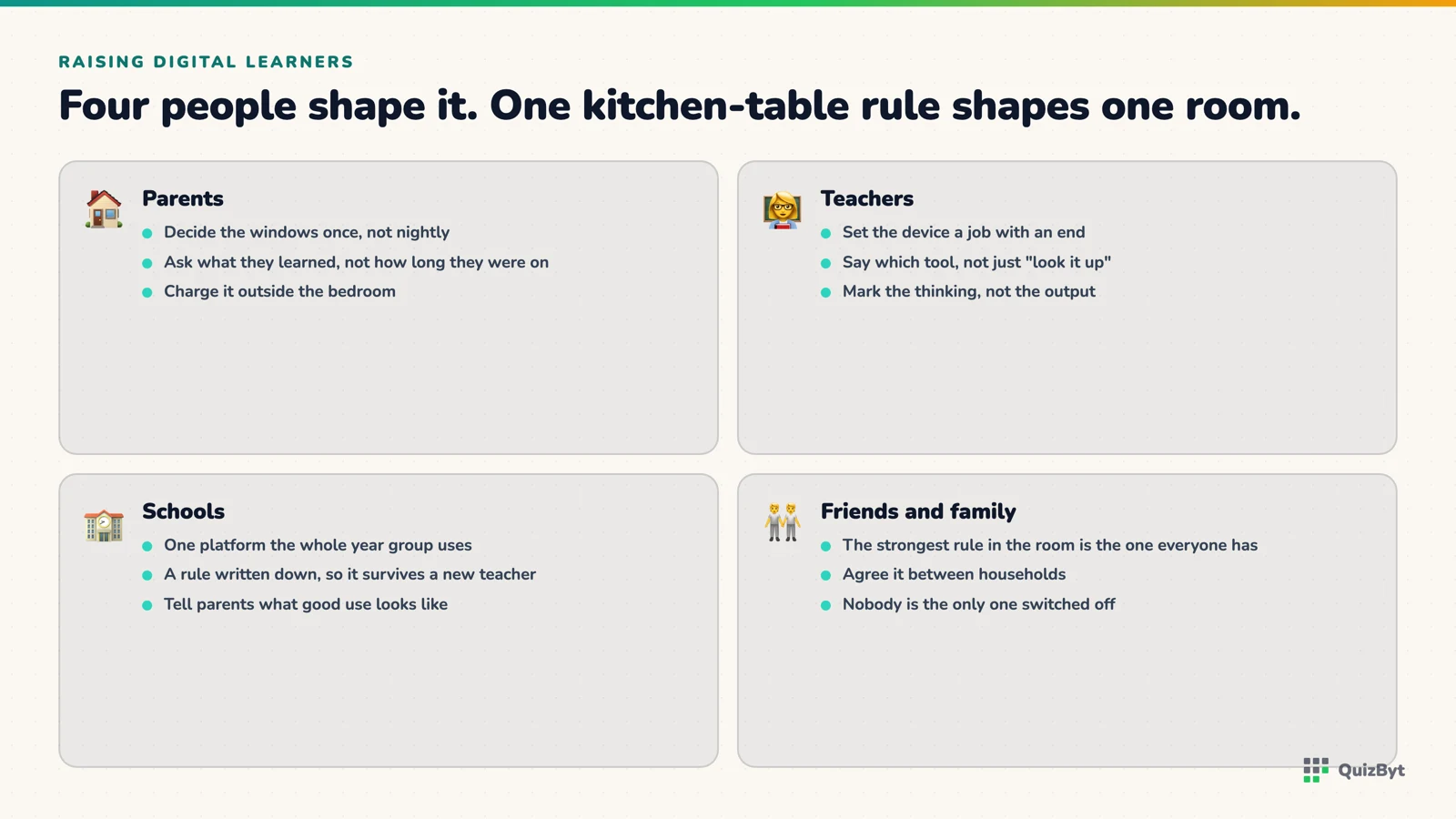
What teachers can do
- Set homework that gives feedback tonight, not next week. A self-marking quiz is not a shortcut. It is a better instrument.
- Check the content. A quiz written by a qualified teacher and reviewed by another is the difference between practice and misinformation. That is exactly why every question on QuizByt goes through peer review before a child sees it.
- Let progress be visible to the child, not only to the mark book.
What schools can do
- Adopt one platform for the whole school so parents are not juggling five apps. One login, one dashboard, one set of habits.
- Give every student a way in, a coupon code in a school portal takes seconds and removes the "we couldn't set it up" excuse.
- Make the assignment board the place homework lives, so a child's device opens to today's work by default.
What friends do (whether we like it or not)
Children copy each other. When the class is comparing rankings on the same quizzes and unlocking the same brain games, using the device to learn becomes the normal thing to do. Peer pressure is not a force to fight; it is a force to point.
One platform, four roles
This is why QuizByt is more than a student app. Students learn and play; schools run classes, homework and marking in their own colours; teachers author and review the content; and parents get printable worksheets and a dashboard that shows what actually got done. When all four are on the same page (literally) a child's device stops being a private world and becomes a shared classroom.
Responses
Sign in to join the conversation. Responses are open to people with a QuizByt account, which is how we keep this a place you would let your child read.
Loading responses…
Lessons that talk, quizzes that mark themselves, games that make kids think
QuizByt is matched to your child's class. Classes 1–10 and Cambridge O Level. Every subject opens with a free lesson, quiz and worksheet, no account needed.
 Why a Child's Engagement With Digital Devices Matters, and Where Parents Should LookChildren will spend their working lives with screens. The question was never whether they use devices, but whether they learn to use them as tools or get used by them. Here is what to watch.Read the article →
 Learning by Ear and Eye: How Audio and Pictures Teach a Six-Year-OldA child in Class 1–3 is still learning to read. Lessons that are spoken aloud and shown in pictures reach them years before text can. Here is why, and how to use it at home.Read the article →
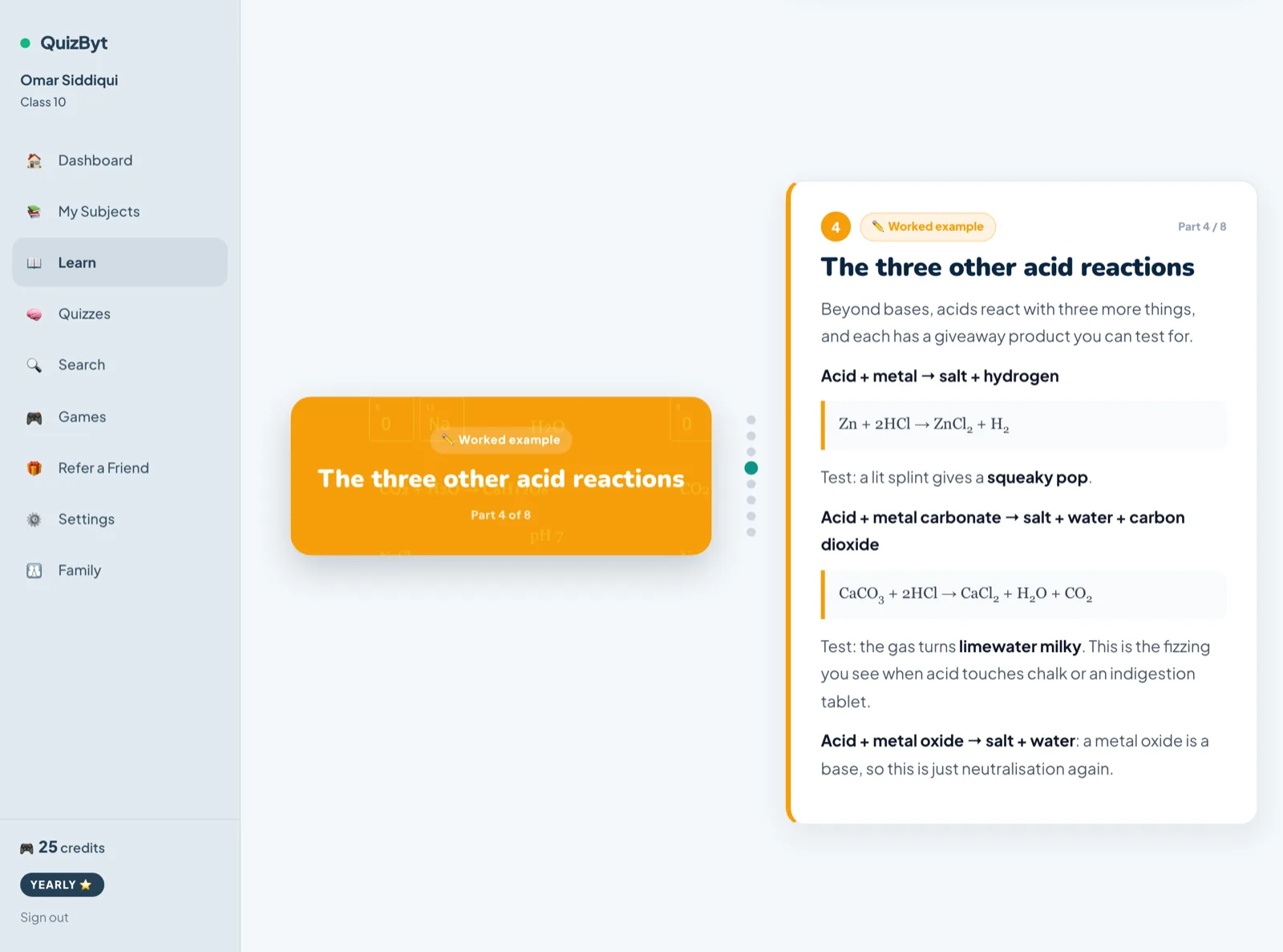 Scrolling Lessons Instead of Slide Decks: What ChangesStudents scroll for hours and sit through slides for minutes. Using the format they already read fluently is a real gain, but be careful which gain you claim.Read the article →