
Games on a Schedule, Not a Nightly Argument
The fight is rarely about games. It is about the fact that the rule is renegotiated every single evening. A rule that is set once and enforced by the device ends the negotiation.

The short version
- Most screen-time conflict comes from the rule being negotiable, not from the amount of time allowed.
- A rule enforced by the device stops being a contest between a child and a parent.
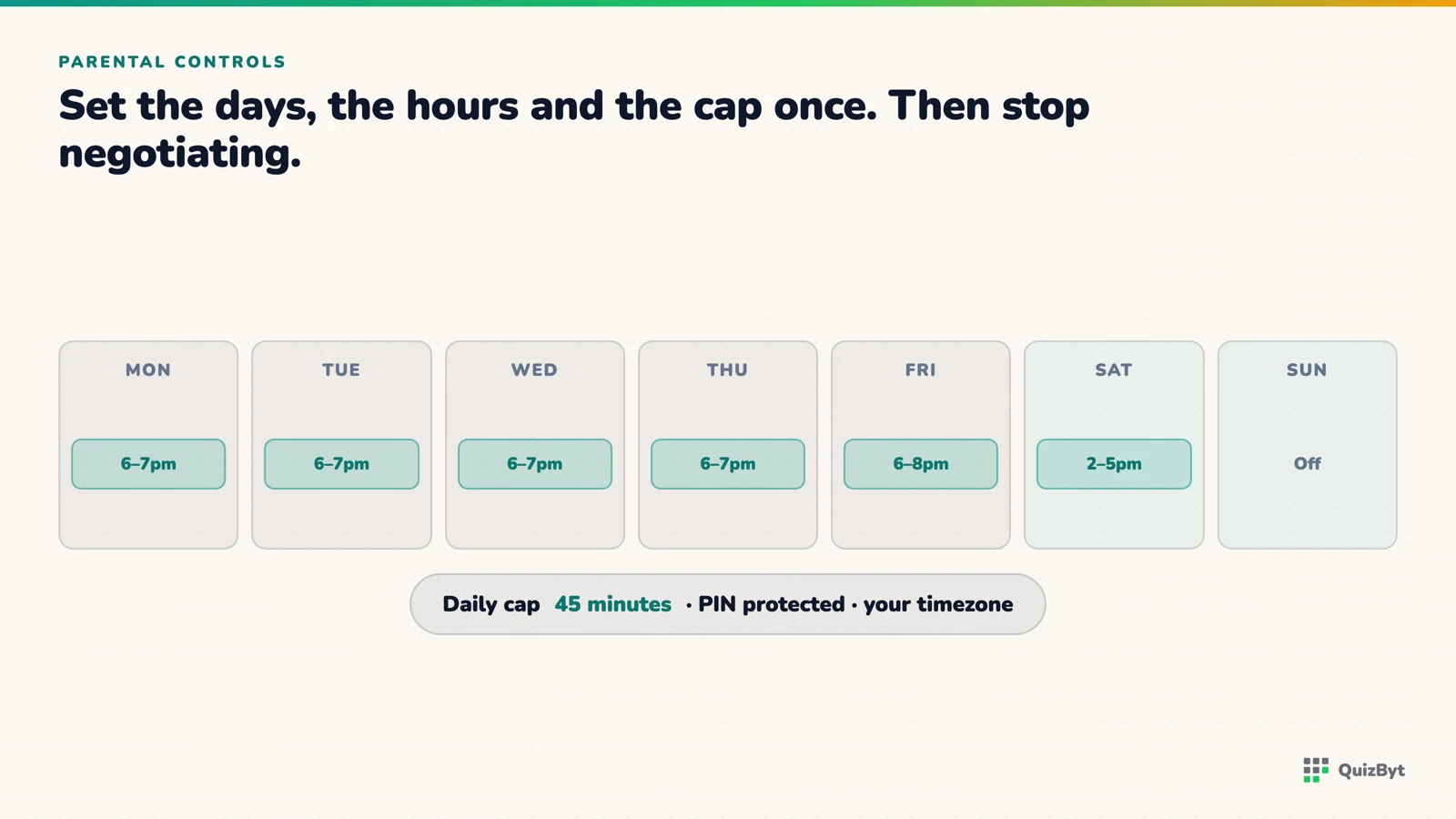
- Set days and hours as well as a daily cap, "weekdays 6pm to 7pm, 45 minutes" is clearer to a child than an unstated sense of enough.
- Agree the schedule with the child once; it is far easier to defend a rule they helped set.
Watch a screen-time argument closely and notice what it is actually about. Rarely the amount. Almost always the fact that the answer is up for discussion again, tonight, as it was last night.
A child who has to ask has every incentive to negotiate. A parent who has to decide has to decide while tired. That is the machine producing the conflict, and adding willpower to it does not help.
Move the rule off the parent
When the schedule lives in the device, the conversation changes shape entirely. "Can I play?" stops being a question addressed to you. The answer is already known, and you are no longer the obstacle, which is worth more than any specific limit.
QuizByt's parental controls do three things, and they combine:
- Games on or off at all.
- A weekly schedule of windows: for example Monday to Friday, 6pm to 7pm, and longer at weekends.
- A daily cap in minutes, chosen from a fixed set: 30, 45, 60, 90, 120 and upward to six hours.
All three are behind a parent PIN, so they are not something a child can quietly adjust. The windows are interpreted in your own timezone, because a window called 7pm has to mean seven in the evening where the child actually is.
Why both a window and a cap
They solve different problems. The window controls when, so games do not happen before homework or after bedtime. The cap controls how much, so a three-hour Saturday window does not become three hours of play.
Together they express something a child can actually understand: "weekends, after lunch, up to an hour." That is a rule. "Not too much" is not a rule, it is a feeling, and it is why the argument recurs.
Set it with the child, once
This costs ten minutes and changes how the rule is received. Sit down together, agree the days, the window and the cap, and enter it once. A child who helped choose 45 minutes defends 45 minutes. A child who was handed 45 minutes tests it.
Revisit it termly, not nightly.
Keep the link between working and playing
On QuizByt, credits are earned by scoring 50% or better on a quiz, and credits are what unlock the games. The order is deliberate: study, then play. Combined with a window, that produces a genuinely simple evening (homework, then the agreed hour) with nobody having to enforce it in the moment.
A note on how the switch behaves: turning games off does not remove the small daily brain games, because those are the part most parents actually want kept. The switch is aimed at the long-form games, not at the two-minute puzzle.
Related: set it once and read the report, what the research says about screens under six, and screen time that teaches. For older children the same rules need a different approach. See screen rules that survive a teenager.
Questions parents ask
How much game time should a child get per day?
There is no single correct number, and arguing about the number misses the point. A predictable amount that both sides know in advance works better than a larger amount that has to be requested each time.
What controls does QuizByt give parents?
Games can be switched off entirely, restricted to a weekly schedule of time windows, and capped at a set number of minutes per day: 30, 45, 60, 90 and upward. The settings are protected by a parent PIN.
Will my child just play something else?
Possibly, and no platform can control a whole household's devices. What this removes is the argument about this one, and the habit of study-then-play it builds carries.
Do the time windows respect our timezone?
Yes. A window called 7pm means seven in the evening where the child is, not on a server somewhere else.
Responses
Sign in to join the conversation. Responses are open to people with a QuizByt account, which is how we keep this a place you would let your child read.
Loading responses…
Lessons that talk, quizzes that mark themselves, games that make kids think
QuizByt is matched to your child's class. Classes 1–10 and Cambridge O Level. Every subject opens with a free lesson, quiz and worksheet, no account needed.
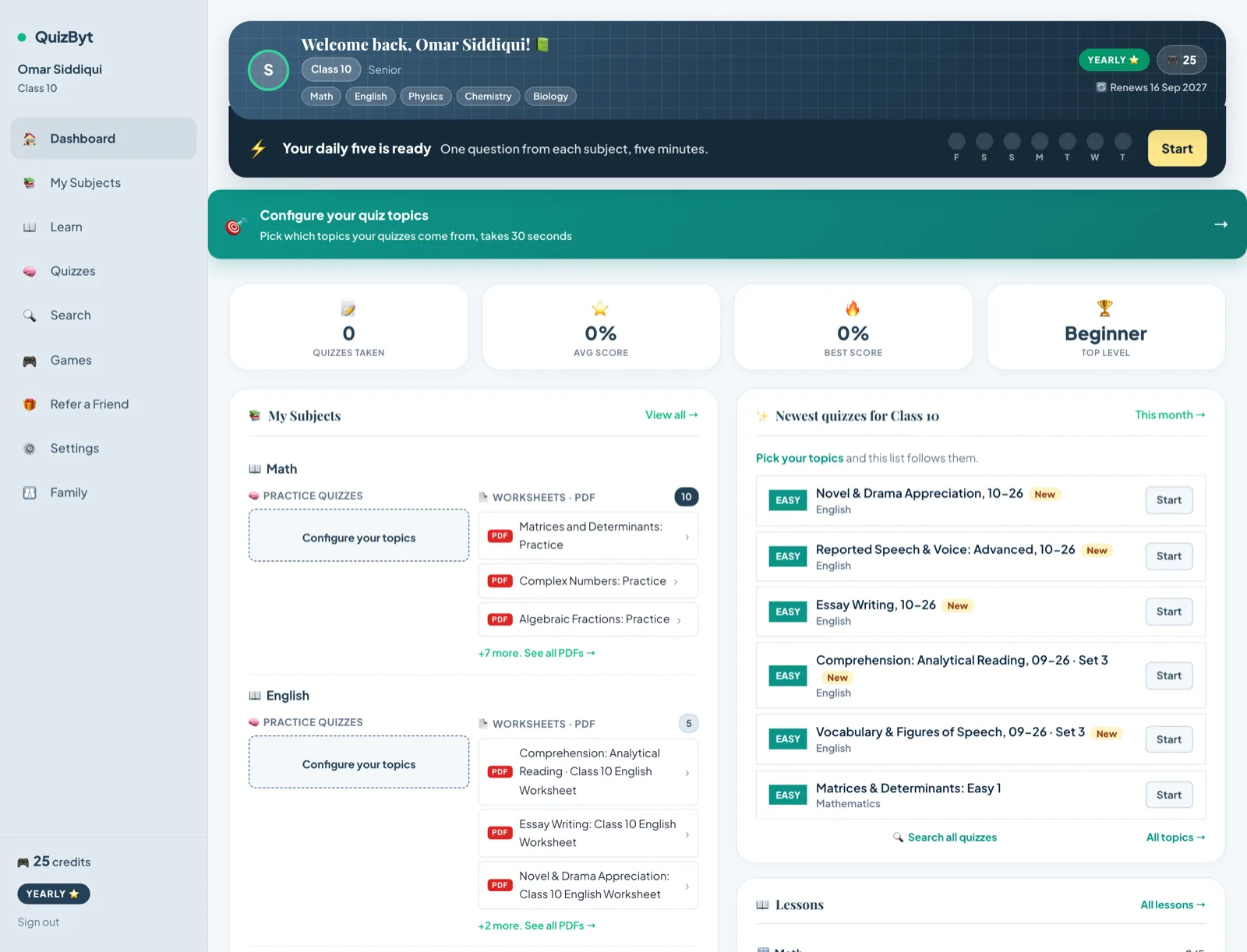 Set It Once, and Then Just Read the ReportMost parents will not log in to a dashboard every week, and a product that assumes they will is designing for a parent who does not exist. Set the rules once; get told what happened.Read the article →
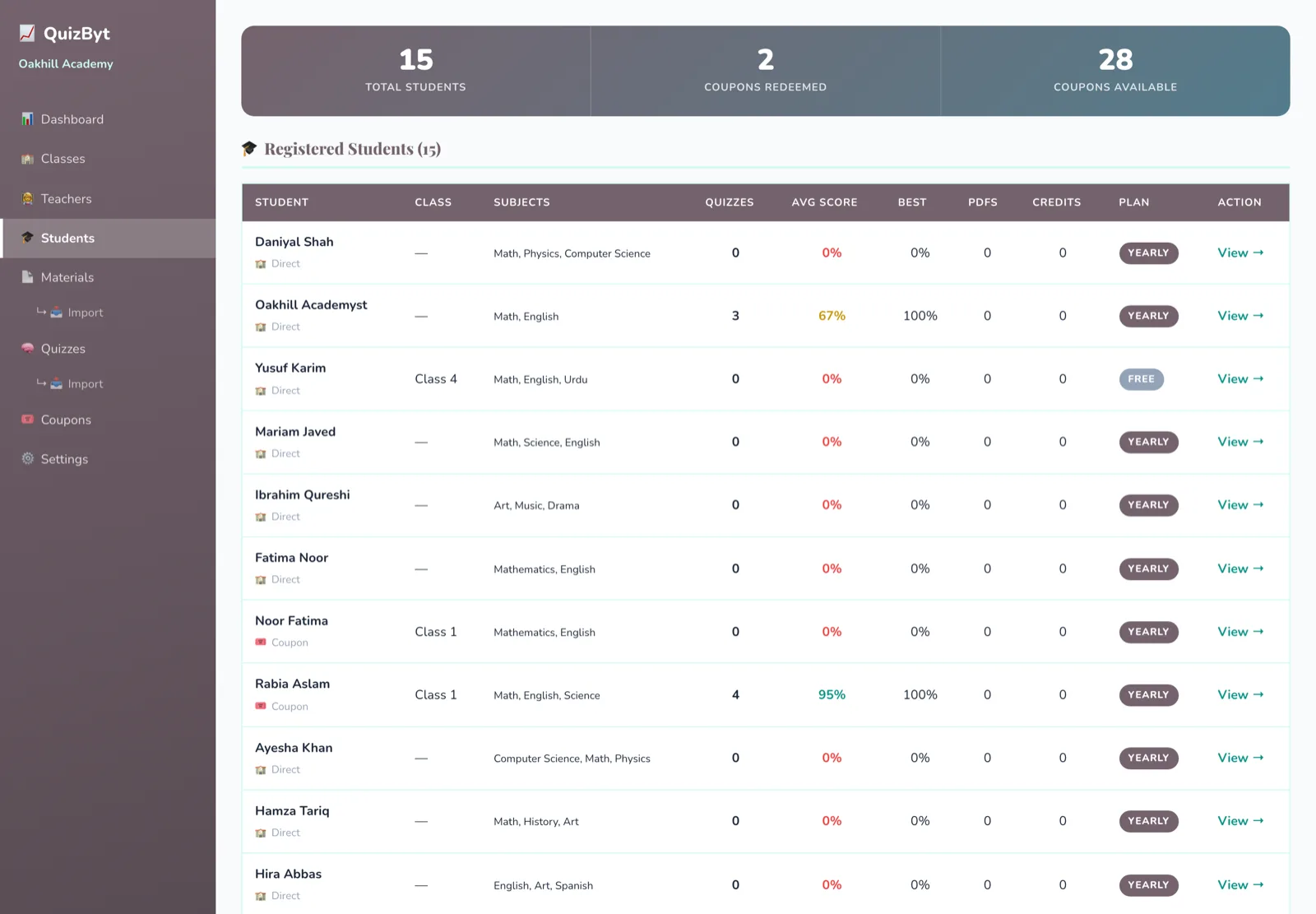 Student Reports That Come From Real WorkA report assembled from assignments a student actually did says something. A report assembled from one end-of-term test mostly measures one afternoon.Read the article →
 Upload a PDF, Get a Lesson, a Quiz and a WorksheetA school uploads the chapter it is actually teaching. Out comes a scrolling lesson, a self-marking quiz and a printable worksheet, all drafts, all waiting for a teacher. What happens in between, and what makes it fail.Read the article →