
How to Choose an Online Quiz System for Your School: Twelve Questions to Ask
Every vendor demo shows a quiz being taken. Almost none shows what happens the next morning. Twelve questions that separate a quiz system a school will still be using in a year from one it will quietly abandon.

The short version
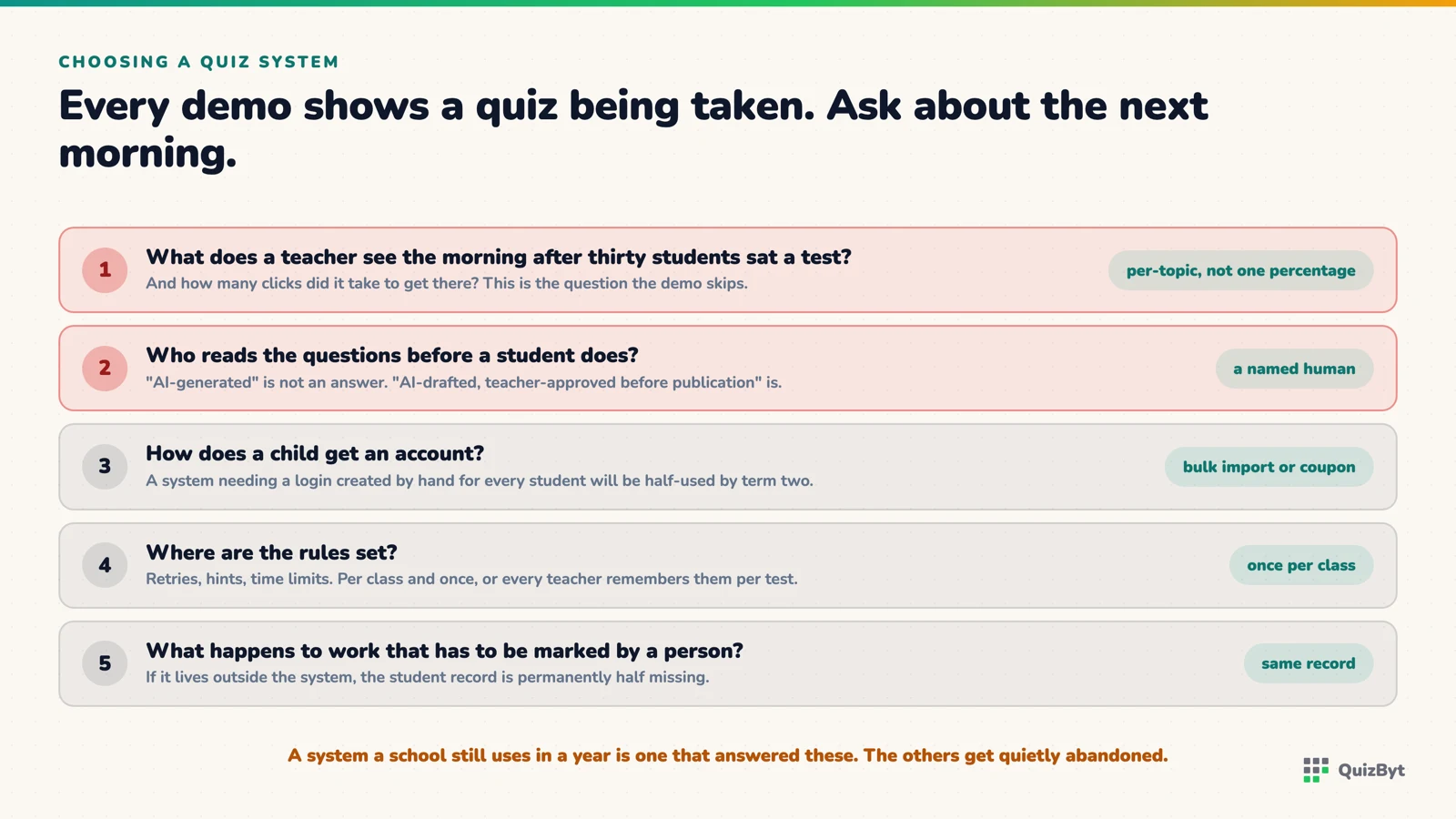
- Judge a quiz system by the morning after, not the demo: what does a teacher see the day after thirty students sat a test, and how long did it take to get there?
- Ask who reviews the questions before a student sees them. "AI-generated" is not an answer; "AI-drafted, teacher-approved before publication" is.
- Onboarding decides adoption. A system that needs a login created by hand for every child will be half-used by term two.
- Insist on per-class rules (retries, hints, time limits) set once, so no teacher has to remember them per test.
Every online quiz system demonstrates well. A question appears, a student answers, a tick appears. The demo takes four minutes and tells you nothing, because the thing that decides whether a school still uses a system a year later is not the quiz. It is what happens the next morning. These twelve questions are about the next morning.
Results
1. How long from the last student finishing to the teacher seeing results? The only acceptable answer is immediately. Anything else means marking has been moved, not removed.
2. Are results per topic or per test? "Class 8B averaged 64%" is not actionable. "Eleven students missed the two questions on refraction" is a lesson plan. Ask to see the per-topic view.
3. Can a teacher see one student's history across the term? Weak topics hide inside good averages. The system should show the trend, not only the latest score.
Questions
4. Who writes the questions, and who checks them? If the answer involves AI, ask the follow-up: does a teacher approve each question before a student sees it? A wrong answer key teaches the mistake with the authority of the platform behind it. This matters more than it sounds.
5. Can your own teachers write and import questions? A library is a start; the questions that match your board's phrasing are yours to write.
6. Are there difficulty levels per topic? One quiz per topic serves the middle of the class. Three levels serve the whole class from one assignment.
Running it
7. How do students get in? A login created by hand for every child means a system half-used by term two. Ask about coupon codes a class can redeem and spreadsheet import. Onboarding decides adoption.
8. Where are the rules set? Retries, attempts, hints, time limits. If a teacher has to set them on every test, they will be set inconsistently. Once per class, inherited by every assignment, is the right shape.
9. Is there an exam mode? A time limit, one attempt and a full-screen mode that keeps the student on the page. Not surveillance; just the removal of the easy tab switch.
10. Can hand-marked work live in the same record? Not everything should be multiple choice. An essay uploaded and marked by hand should sit next to the auto-marked quizzes in the same student record, or you have two systems.
Money and data
11. Is the price per school or per student? Per student makes every new class a budget conversation. Ask for flat pricing, and compare the total against the teacher hours the system removes, which is where its value actually is.
12. What happens to student data? Where it is stored, who can see it, whether it is ever used for advertising, and how it is deleted when a child leaves. A vendor who cannot answer in plain language has not thought about it.
Where QuizByt stands
Since this is our checklist, it is fair to say where we sit against it. Results are immediate and per topic; questions are drafted with AI and approved by a teacher before publication, or written by teachers directly; onboarding is by class coupon or spreadsheet import; rules are set once per class; there is a full-screen exam mode and hand-marked uploads share the student record; pricing is per school; and student data is never used for advertising. The school portal page has the detail, and the honest comparison with Google Classroom says where we do not compete.
Questions parents ask
What is the single most important question?
How long from the last student finishing to the teacher seeing per-topic results for the whole class. If the answer is not "immediately", the system has not removed the marking; it has moved it.
Should a school quiz system include lessons and worksheets, or just quizzes?
A quiz on its own tells you a child got a topic wrong and leaves the fix to you. A system where the same topic has a lesson, a quiz at three levels and a printable worksheet closes the loop. Ask whether the fix is one click from the result.
How much should it cost?
Ask for a flat per-school price rather than per-student, so adding a class in September is not a budget conversation. And compare it against the teacher hours it removes, which is where the value actually sits.
Can QuizByt do these things?
Yes: self-marking quizzes with per-topic results the same lesson, questions drafted with AI and approved by a teacher before publication, coupon and spreadsheet onboarding, per-class rules and a full-screen exam mode. The comparison with Google Classroom is in a separate article.
Responses
Sign in to join the conversation. Responses are open to people with a QuizByt account, which is how we keep this a place you would let your child read.
Loading responses…
Lessons that talk, quizzes that mark themselves, games that make kids think
QuizByt is matched to your child's class. Classes 1–10 and Cambridge O Level. Every subject opens with a free lesson, quiz and worksheet, no account needed.
 What to Look For in a Learning App for a Five-Year-OldMost apps for this age are built to be opened again, not to teach. The difference is visible in about two minutes if you know where to look. Seven things to check, and the reason behind each one.Read the article →
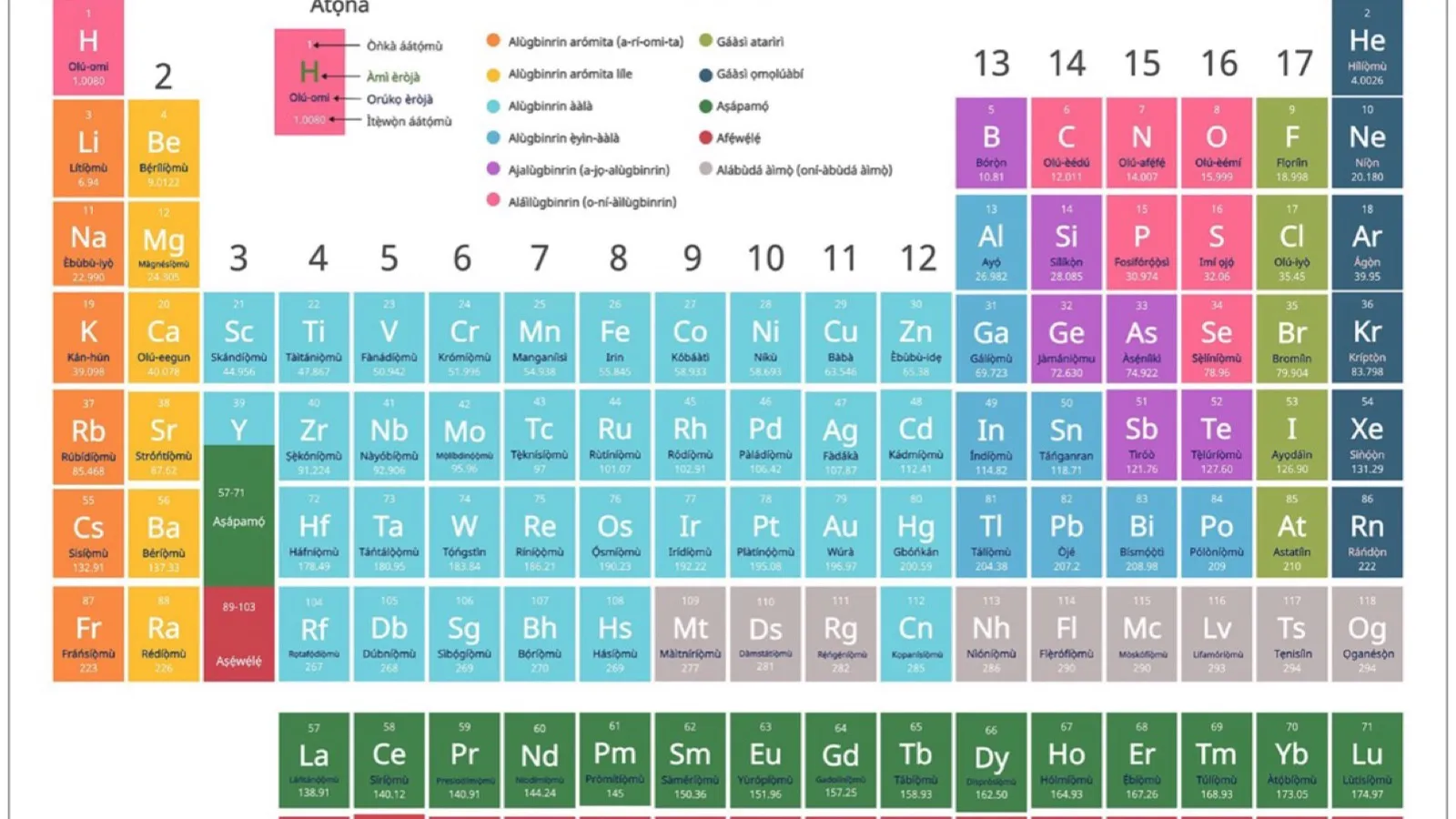 The Periodic Table From Class 7 to O Level ChemistryThe periodic table looks like a thing to memorise. It is the opposite: it is the thing that means you do not have to memorise. Read it right and it tells you how an element behaves before you have met it.Read the article →
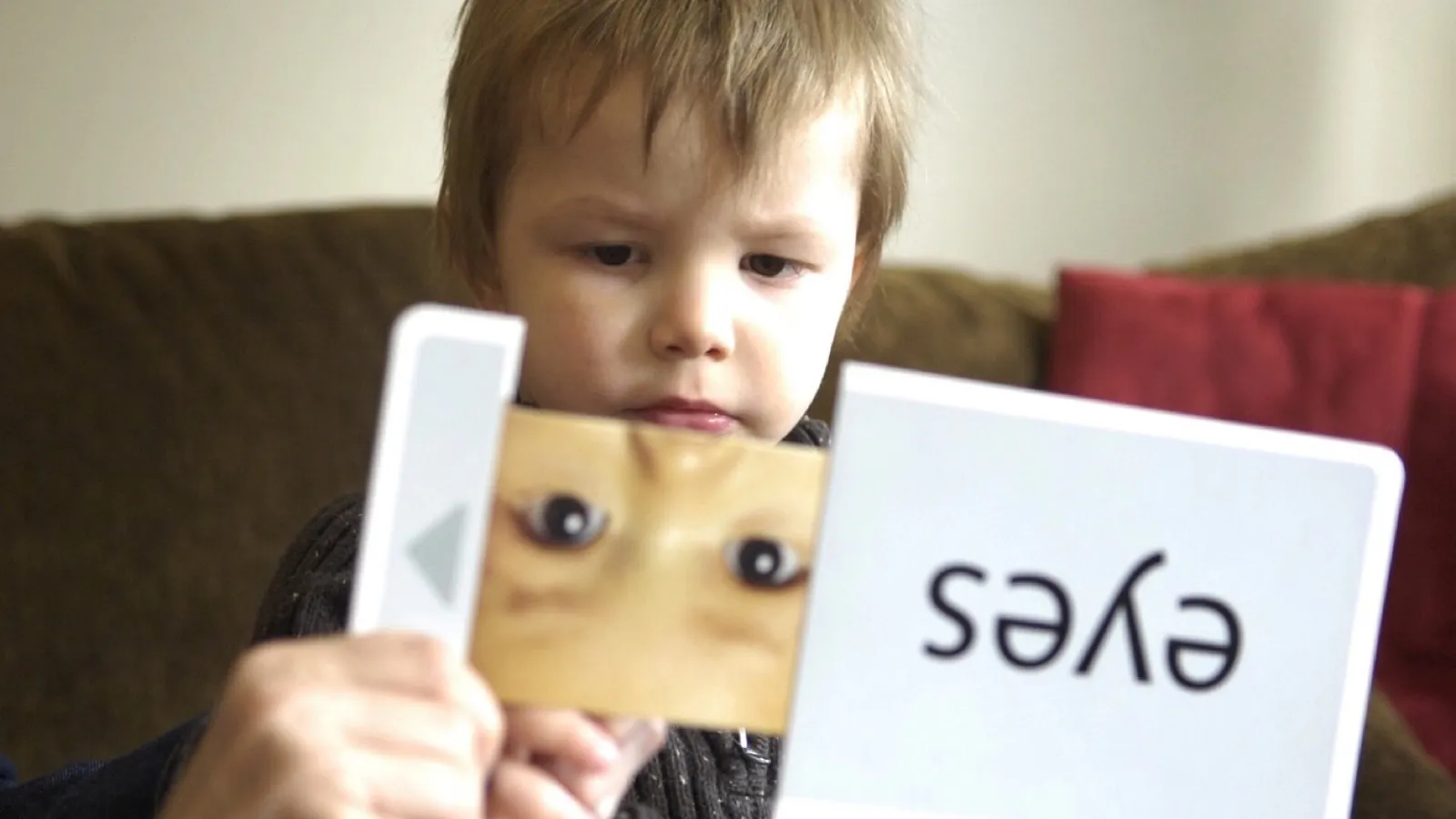 Practice Testing: Why a Quiz Beats Reading the Chapter AgainOf ten common study techniques reviewed across hundreds of studies, only two were rated high utility. Re-reading and highlighting were not among them. Here is what was, and why.Read the article →